
How to Get an Internship
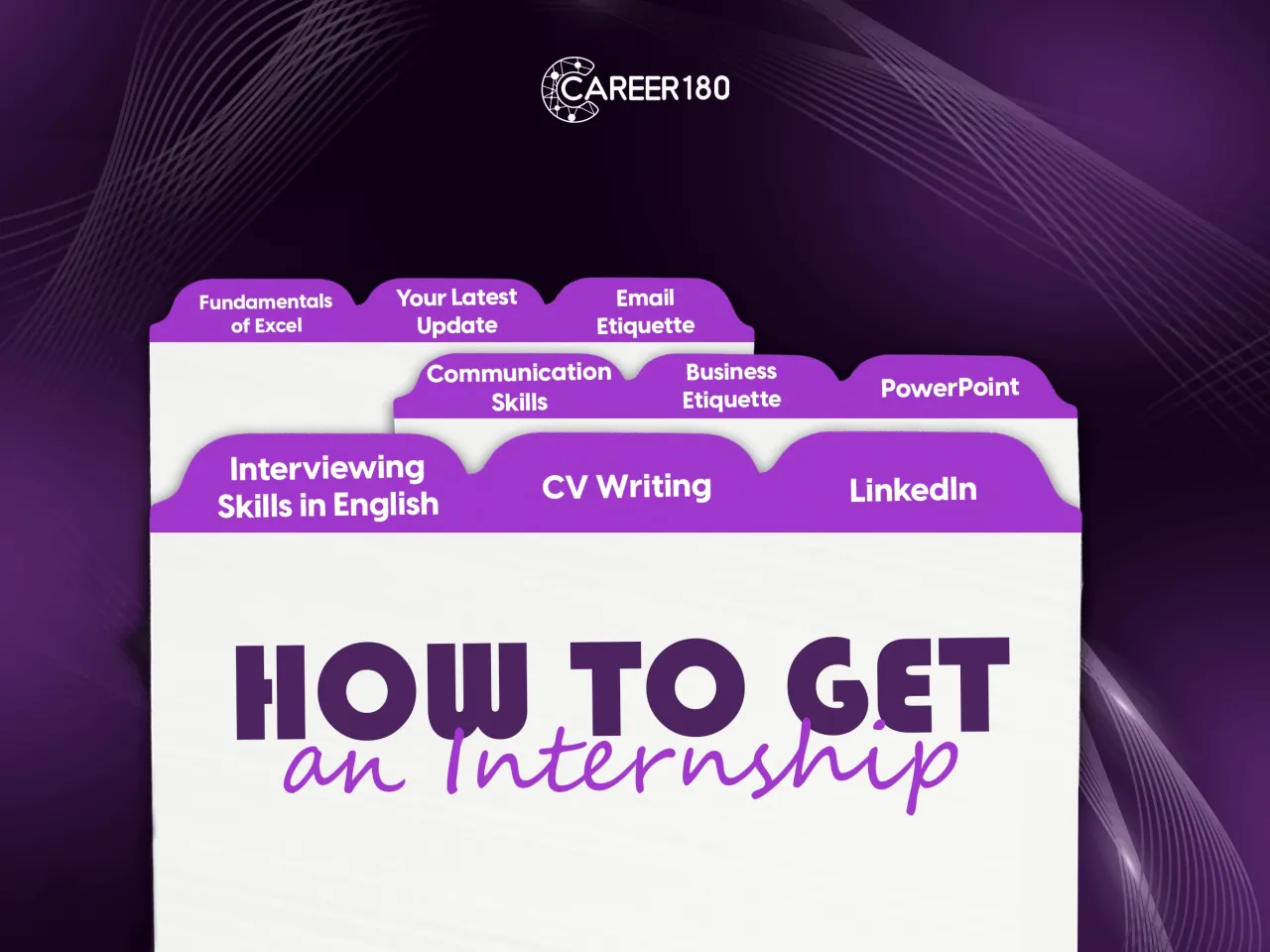
Getting your Internship is a journey with wonderful steps, starting with making a CV and continuing through enhancing your soft and technical skills. So, let's start your first steps in getting your first job.
- How to write a professional CV?
- How to build your LinkedIn Profile in a professional way?
- How to pass an interview in English?
- How to enhance your communication skills?
- How to make a PowerPoint Presentation?
- How to build Excel sheets with different features?
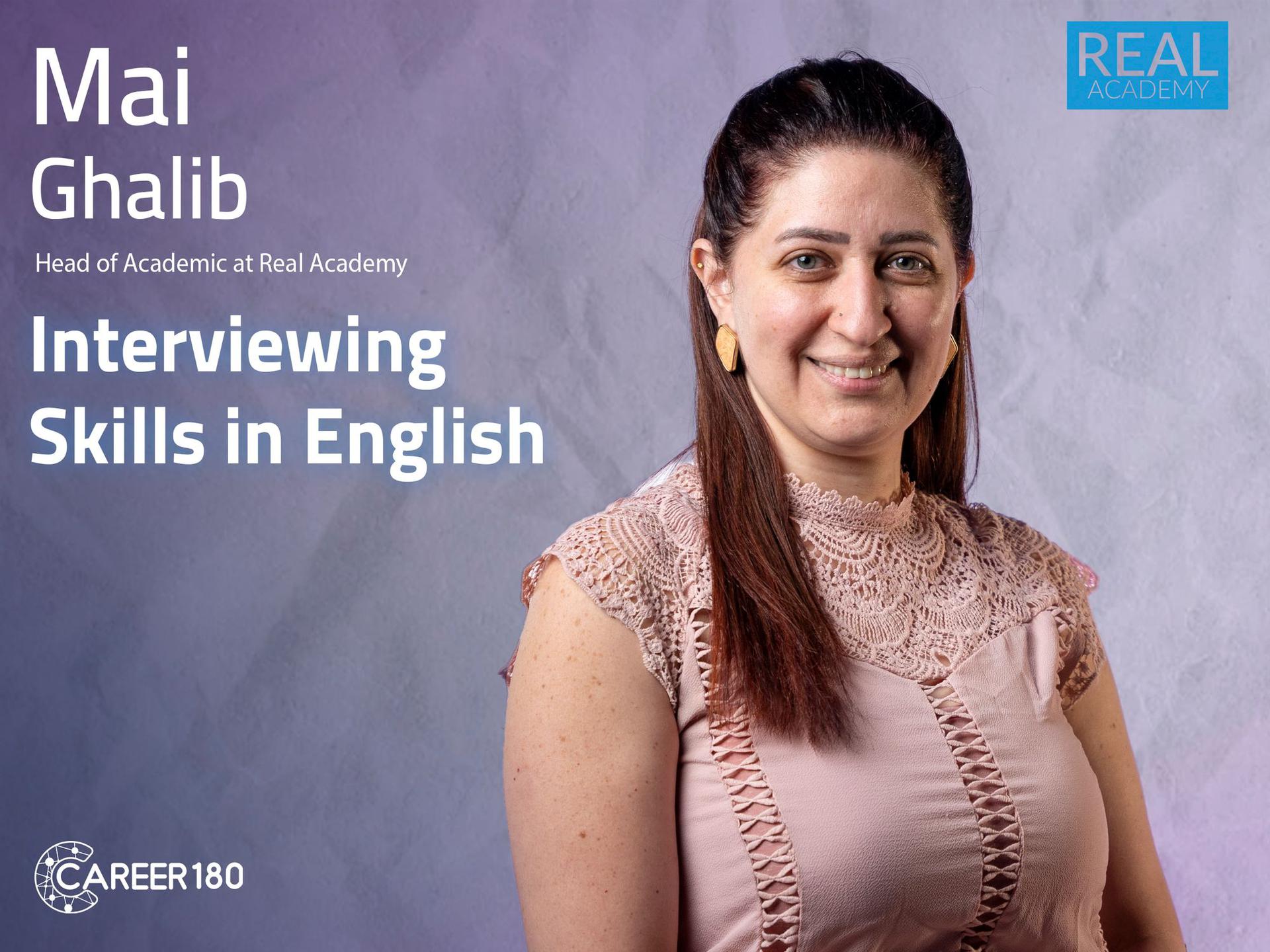
Course 1
In this course you will learn: - How to show your language proficiency level? - Essential English phrases and vocabulary used to build your answer. - The top Seven Word Mistakes you make in Job Interviews. - The most common questions in the interviews. - How to answer competency or hard questions? - The differences between remote and on-site interviews. - Tips and tricks for a successful interview.
Introduction
-
Intro
1 minute 29 seconds
How to pass an interview in English
-
How to show your language proficiency level
4 minutes 50 seconds -
Some examples of Essential English phrases and vocabulary used to build your answer
2 minutes 24 seconds
-
Top Seven Word Mistakes you make in Job Interviews Part 1
3 minutes 23 seconds -
Top Seven Word Mistakes you make in Job Interviews part 2
3 minutes 23 seconds
-
What are the most common questions
3 minutes 3 seconds -
How to answer competency or hard questions
2 minutes 56 seconds -
What are the differences between remote and on-site interviews
3 minutes 19 seconds
-
What are the Tips for a Successful Interview- part 1
1 minute 51 seconds -
What are the Tips for a Successful Interview- part 2
3 minutes 16 seconds

Course 2
In this course you will learn:
- How to write a CV in a professional and attractive way.
- Difference between career objectives and career highlights and how to summarize it.
- How to highlight your achievements in your CV.
- How to describe your skills, extracurricular activities, courses, certificates, and personal details in your CV
-
Intro
46 seconds -
Content Details
2 minutes 9 seconds -
Career Objectives
57 seconds -
Education
1 minute 7 seconds -
Work and Internship Experience
1 minute 47 seconds -
Extracurricular Activities
1 minute 56 seconds -
Courses
1 minute 15 seconds -
Certificates
1 minute 30 seconds -
Skills
3 minutes 16 seconds -
Personal Details
1 minute 30 seconds -
Tips & Tricks
3 minutes 37 seconds

Course 3
In this course you will learn:
- The difference between the personal profile and the official company pages.
- The different features of LinkedIn.
- How to build your resume by using LinkedIn?
- How to find the suitable job for you on LinkedIn?
- How to build your network in LinkedIn?
-
Intro
1 minute 16 seconds -
LinkedIn Profile VS. Pages Part 1
7 minutes 25 seconds -
LinkedIn Profile VS. Pages Part 2
13 minutes 44 seconds -
LinkedIn Features
9 minutes 51 seconds -
How to Find Jobs on LinkedIn Part 1
14 minutes 56 seconds -
How to Find Jobs on LinkedIn Part 2
15 minutes 21 seconds -
Networking
4 minutes 21 seconds -
Tips and Tricks
10 minutes 20 seconds
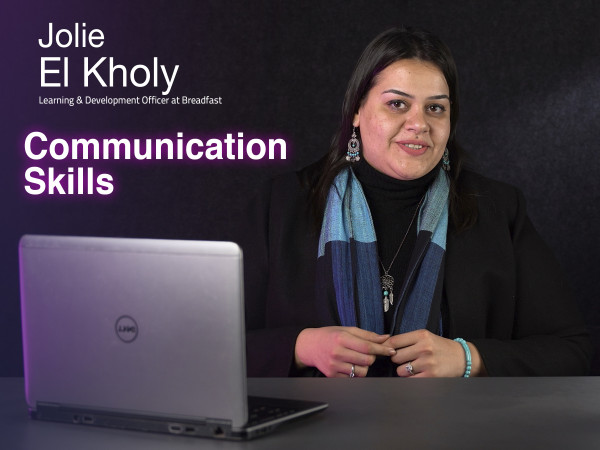
Course 4
In this course you will learn:
- What is Albert Mehrabian`s theory.
- The importance of context.
- The difference between listening and hearing.
- How to setup your mind.
- What is the ego states.
- How to handle meetings.
- The importance of negotiation skills.
- How to deal with feedbacks.
- How to write formally.
-
Intro
2 minutes 55 seconds -
Communication building block: People
3 minutes 43 seconds -
Communication building block: Message
6 minutes 18 seconds -
Communication building block: Context
5 minutes 7 seconds -
Introvert/Extrovert Misconception
5 minutes 52 seconds -
Listening Traps
7 minutes 31 seconds -
Triggering Points
7 minutes 39 seconds -
Articulating Thoughts
4 minutes 58 seconds -
Transactional Analysis
9 minutes 35 seconds -
Meetings
11 minutes 47 seconds -
Persuasion & Negotiation
6 minutes 21 seconds -
Giving & Receiving Feedback
5 minutes 32 seconds -
Written Communication
10 minutes 30 seconds

Course 5
In this course you will learn:
- The difference between social etiquette and business etiquette
- The types of dress codes.
- How to choose the suitable dress code for different situations.
- How to take the right posture, gesture and sitting.
- How to make handshakes professionally.
- How to act in the interview, and all details about interview etiquette.
- How to act in the office, all details about office etiquette and meetings etiquette.
- How to keep your appearance on social media professional and know about LinkedIn appearance.
-
Intro
59 seconds -
Introduction to Business Etiquette
3 minutes 45 seconds -
First Impression
1 minute 50 seconds -
Appearance
9 minutes 36 seconds -
Body Signals
4 minutes 58 seconds -
Handshakes
5 minutes 38 seconds -
Interview Etiquette
9 minutes 29 seconds -
Office Etiquette
8 minutes 5 seconds -
Phone Etiquette
4 minutes 43 seconds -
Netiquette
8 minutes 7 seconds

Course 6
In this course, you will learn:
- The PowerPoint interface and its features.
- The different features of the home tab.
- The different features of the insert tab.
- The different features of the draw tab.
- The different features of the design tab.
- How to make transitions between slides?
- How to make an animation in PowerPoint?
- How to record your presentation?
- The different features of the view tab.
- The different features of the review tab.
-
Intro
59 seconds -
PowerPoint Interface
7 minutes 48 seconds -
File Tab
11 minutes 7 seconds -
Home Tab Part 1
12 minutes 51 seconds -
Home Tab Part 2
11 minutes 36 seconds -
Insert Tab Part 1 (Pictures)
11 minutes 45 seconds -
Insert Tab Part 2 (Tables)
11 minutes 10 seconds -
Insert Tab Part 3 (Albums & Screenshots)
1 minute 53 seconds -
Insert Tab Part 4 (Shapes & Icons)
10 minutes 24 seconds -
Insert Tab Part 5 (Smart Art & Charts)
7 minutes 20 seconds -
Insert Tab Part 6 (Links)
11 minutes 3 seconds -
Insert Tab Part 7 (comments & Text)
8 minutes 48 seconds -
Insert Tab Part 8 (Symbols & Media)
10 minutes 39 seconds -
Draw Tab
3 minutes 24 seconds -
Design Tab
7 minutes 20 seconds -
Transitions Tab
4 minutes 37 seconds -
Animation Tab
7 minutes 21 seconds -
Slide Show Tab
9 minutes 52 seconds -
Record Tab
2 minutes 16 seconds -
Review Tab
6 minutes 27 seconds -
View Tab
4 minutes 39 seconds -
Help & Acrobat
9 minutes 3 seconds
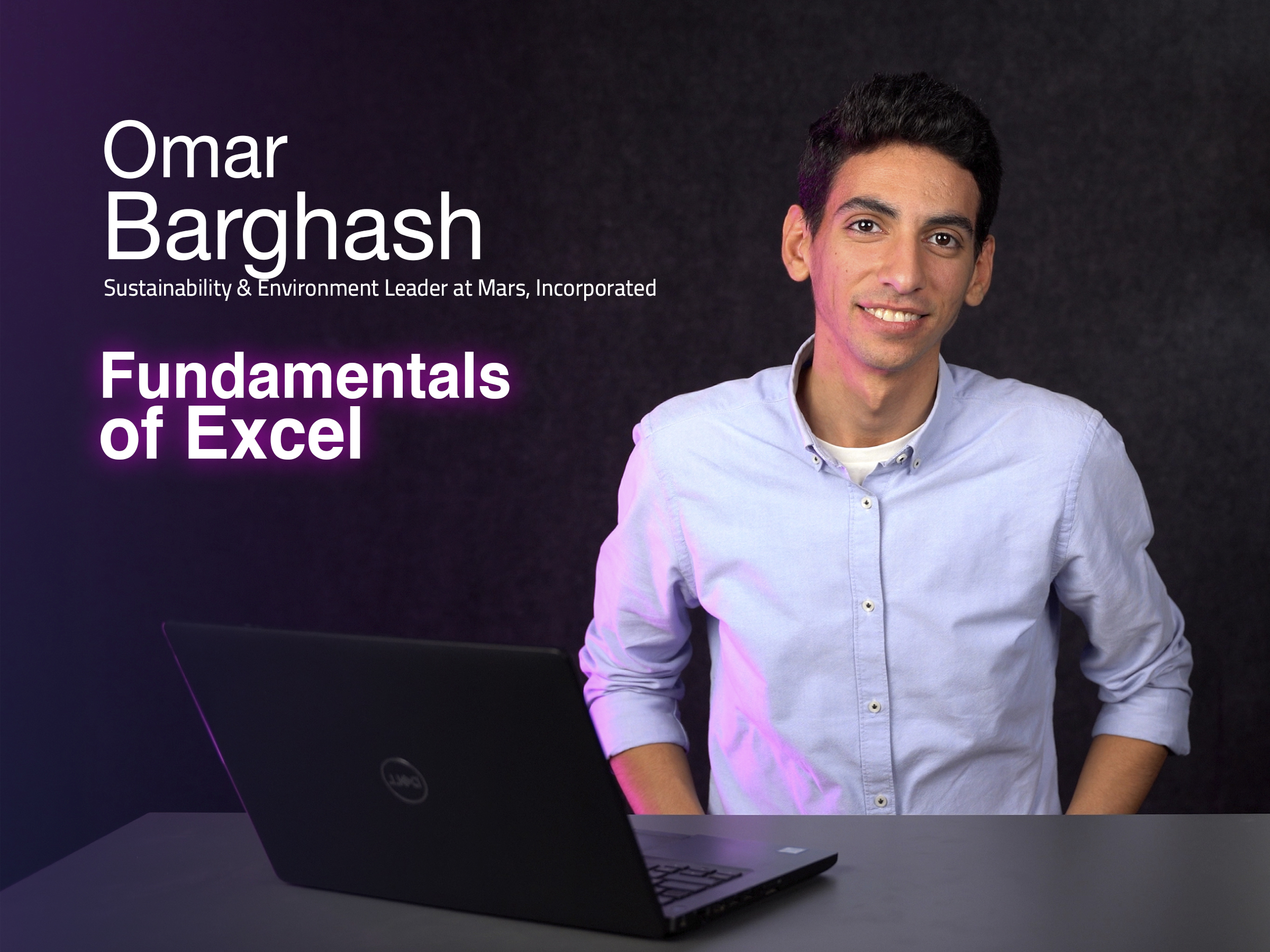
Course 7
In this course you will learn:
- The content of each excel tab.
- How to navigate through your excel sheet.
- How to paste different items either according to their value or format or etc...
- How to access the symbols and the usage of cell types in controlling your activity on an excel sheet.
- How to protect and format your excel sheet using different formulas and functions.
-
Intro
1 minute 3 seconds -
Getting Started
4 minutes 8 seconds -
Tabs
4 minutes 49 seconds -
Navigation
3 minutes 14 seconds -
Paste
3 minutes 47 seconds -
Symbols
1 minute 50 seconds -
Cell Type
3 minutes 35 seconds -
Tables
3 minutes 54 seconds -
Freeze
1 minute 15 seconds -
Protect
2 minutes 16 seconds -
Formatting
9 minutes -
Conditional Formatting
5 minutes 43 seconds -
Formulas (Equal)
2 minutes 28 seconds -
Dollar Sign
6 minutes 34 seconds -
Formulas (IF)
4 minutes 2 seconds -
Formulas (IFs)
5 minutes 43 seconds -
Sum/Sumifs, Average/Averageifs, Count/Countifs
7 minutes 6 seconds -
Vlookup, Hlookup
11 minutes 2 seconds -
Max/Min, Large/Small
5 minutes 21 seconds -
Charts
8 minutes 10 seconds -
Conclusion
4 minutes 22 seconds

Course 8
In this course you will learn:
- How to be self aware.
- How to list your occupational interest.
- How to determine your skills.
- Tests to know your personality style.
- Tests to know your career style.
- How to list your job description.
- When and where you can start.
- How to update yourself.
-
Intro to the Program
0 seconds -
Importance of Self-Awareness
1 minute 45 seconds -
Occupational Interests
2 minutes 52 seconds -
Career Values
2 minutes 46 seconds -
Motivated Skills & Competencies
7 minutes 5 seconds -
Personality Style
1 minute 57 seconds -
Setting the Right Mindset
2 minutes 5 seconds -
Envisioning
1 minute 38 seconds -
Value Check
2 minutes 45 seconds -
In-depth Analysis
3 minutes 34 seconds -
Making your Decision
2 minutes 46 seconds -
Building a Company ProfileAC
2 minutes -
Entrepreneurial Readiness
1 minute 22 seconds -
Time to Take Action
11 minutes 17 seconds -
Conclusion
57 seconds

Course 9
Exploration of the obstacles confronting us
Examination of the essential aspects of email communication.
Insights into initiating an email effectively
Understanding the components and structure of the main body of an email.
Examination of concluding remarks and strategies for effective email closures.
-
Intro
1 minute 14 seconds -
Email Challenges
3 minutes 47 seconds -
Email Overview Part 1
4 minutes 36 seconds -
Email Overview Part 2
4 minutes 6 seconds -
Email Overview Part 3
6 minutes 36 seconds -
Email Overview Part 4
2 minutes 2 seconds -
Final Checkups
2 minutes 18 seconds -
Tips for Better Email Writing
2 minutes 26 seconds
Subscriptions
Start watching our recorded courses in different fields with our great experts
1 Month Subscription
Benefits
- Full access to all courses
- Full access to material of courses
- Engage with course instructors
- Get certificate of completion
1 Year
Benefits
- Full access to all courses
- Full access to material of courses
- Engage with course instructors
- Get certificate of completion
3 Months
Benefits
- All one month subscription perks
- Access for three months
- Access for 3 users