
How to the Lead Creative Industry Field?
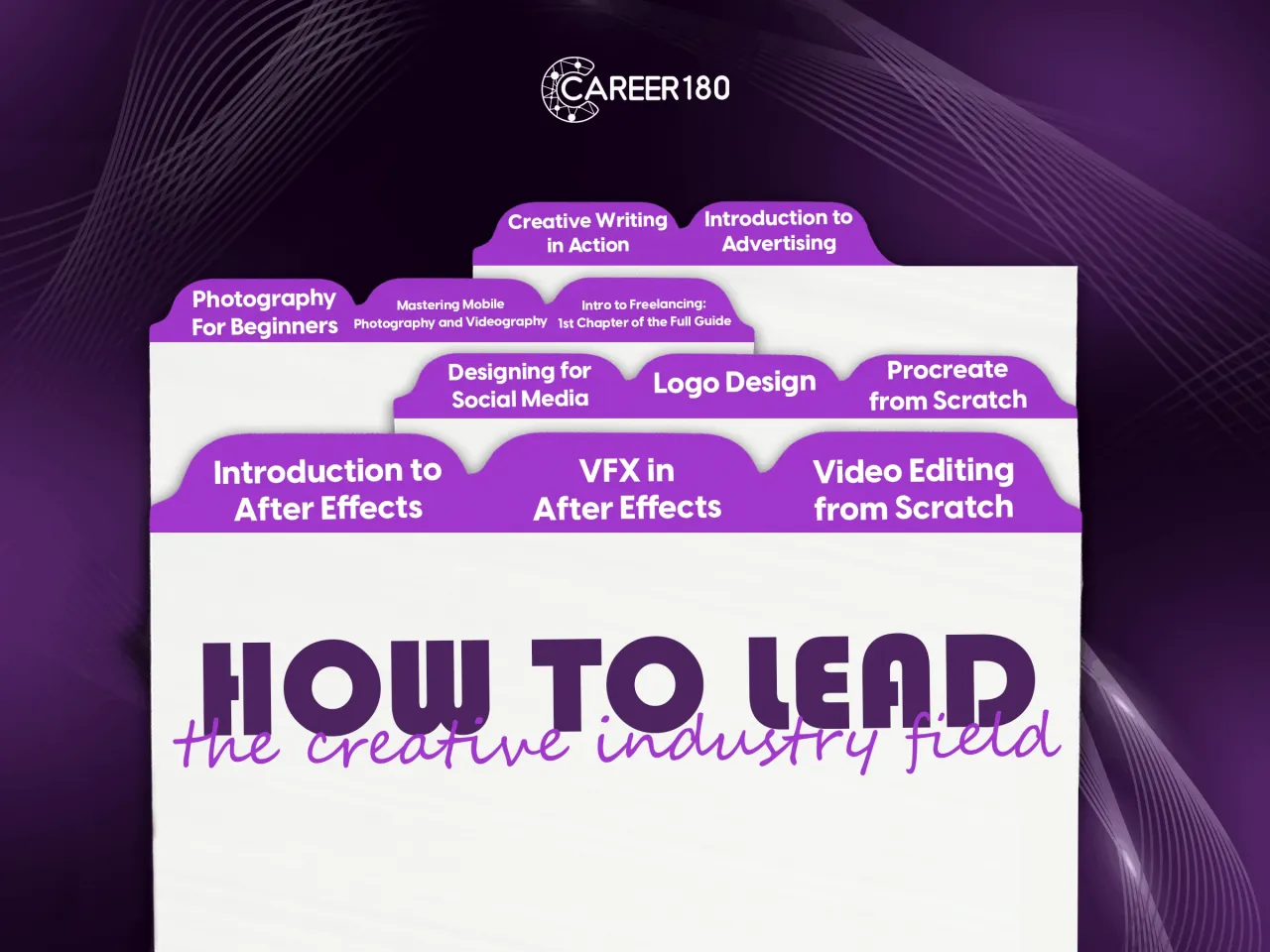
How to lead the creative industry field with our carefully curated bundle of recorded courses. Unleash your artistic potential and master various creative domains with these in-depth courses:
- Master Video Editing Skills:
- Learn professional video editing techniques
- Craft captivating stories through seamless editing
- Visual Effects Creation with Adobe After Effects:
- Start from the beginning and progress to advanced levels
- Dive into the world of visual effects and unleash your imagination
- Master motion graphics and create stunning animations
- Enhance Your Social Media Design with Adobe Photoshop:
- Create eye-catching visuals for social media platforms
- Learn essential Photoshop features for impactful designs
- Logo Designing Made Easy with Adobe Illustrator:
- Create visually striking logos with ease
- Master vector-based tools for precise and professional designs
- Dive into Digital Art with Procreate:
- Learn the fundamentals of digital art creation
- Unleash your creativity with powerful digital painting tools
This bundle is your all-in-one toolkit for unleashing your creativity. Whether you're a beginner or looking to refine your skills, these courses will guide you every step of the way. Unlock your artistic potential, master industry-leading software, and transform your passion into stunning works of art.
- Master video editing techniques using Adobe Premiere to create professional-quality videos.
- Unlock your creativity by exploring advanced visual effects created with Adobe After Effects.
- Develop your design skills with Adobe Photoshop and apply them to captivating social media designs.
- Learn logo designing principles and techniques using Adobe Illustrator for impactful brand identities.
- Dive into the world of digital art with Procreate and unleash your artistic potential.
- Acquire the skills to craft compelling stories through seamless editing and transitions.
- Discover the art of motion graphics and create stunning animations to bring your visions to life.
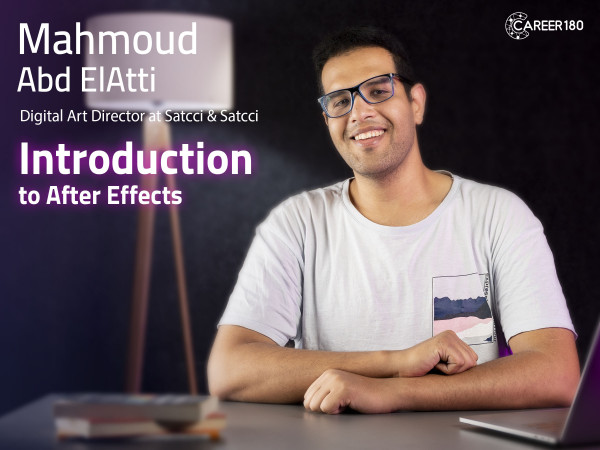
Course 1
In this course you will learn:
- The Hierarchy of the companies in the creative industry.
- Types of scripts and script writing process.
- Storyboarding process and how to convert the script to a storyboard.
- The different types of motion graphics.
- How to manage the project workflow.
- The 12 principles of animation.
- Types of keyframes and how to apply each type of keyframe in after effects.
- The different types of masks and how to use them.
- The trim path features in adobe after effects and how to use it.
- How to prepare your Illustration files to use it for making motion graphics using after effects.
- How to animate the your illustration file in the after effects.
- How to prepare your character on adobe after effects to animate it.
- How to make a fake 3D by using 2D animation on adobe after effects.
- How to add sounds effects to your videos on adobe after effects.
- How to make a professional portfolio and how to keep it updated to get hired.
-
Intro
1 minute 8 seconds -
Company Hierarchy
3 minutes 5 seconds -
Script Writing
4 minutes 12 seconds -
Storyboarding
6 minutes 28 seconds -
Cinematography
4 minutes 37 seconds -
Motion Graphics Types
4 minutes 42 seconds -
Project Work Flow
2 minutes 57 seconds -
Introduction to Adobe After Effects
2 minutes 34 seconds -
Squash and Stretch
1 minute 36 seconds -
Anticipation
1 minute 27 seconds -
Staging
1 minute 37 seconds -
Straight-Ahead Action and Pose-to-Pose
2 minutes 8 seconds -
Follow through and Overlapping Action
1 minute 9 seconds -
Slow in and Slow out
1 minute 17 seconds -
Arc
1 minute 39 seconds -
Secondary Action
44 seconds -
Timing
1 minute 9 seconds -
Exaggeration
59 seconds -
Solid Drawings
1 minute 41 seconds -
Appeal
1 minute 10 seconds -
Framerate
2 minutes 33 seconds -
Keyframes Types
7 minutes 53 seconds -
Curve Editors
3 minutes 11 seconds -
Mask Types
6 minutes 46 seconds -
Morphing
3 minutes 59 seconds -
Path Animation
1 minute 52 seconds -
Trim Path
5 minutes 2 seconds -
Effects Panel
2 minutes 35 seconds -
Preparing your Illustration Files
5 minutes 29 seconds -
Animating inside After Effects
13 minutes 55 seconds -
Character Rigging Part 1
12 minutes 55 seconds -
Character Rigging Part 2
10 minutes 12 seconds -
Character Animation
11 minutes 55 seconds -
Fake 3D (Extrude)
4 minutes 55 seconds -
Fake 3D (Scale)
2 minutes 41 seconds -
Camera Movement
7 minutes 3 seconds -
Exporting from After Effects
4 minutes 59 seconds -
Sound Effects for Motion Graphics
4 minutes 3 seconds -
Portfolio
3 minutes 22 seconds
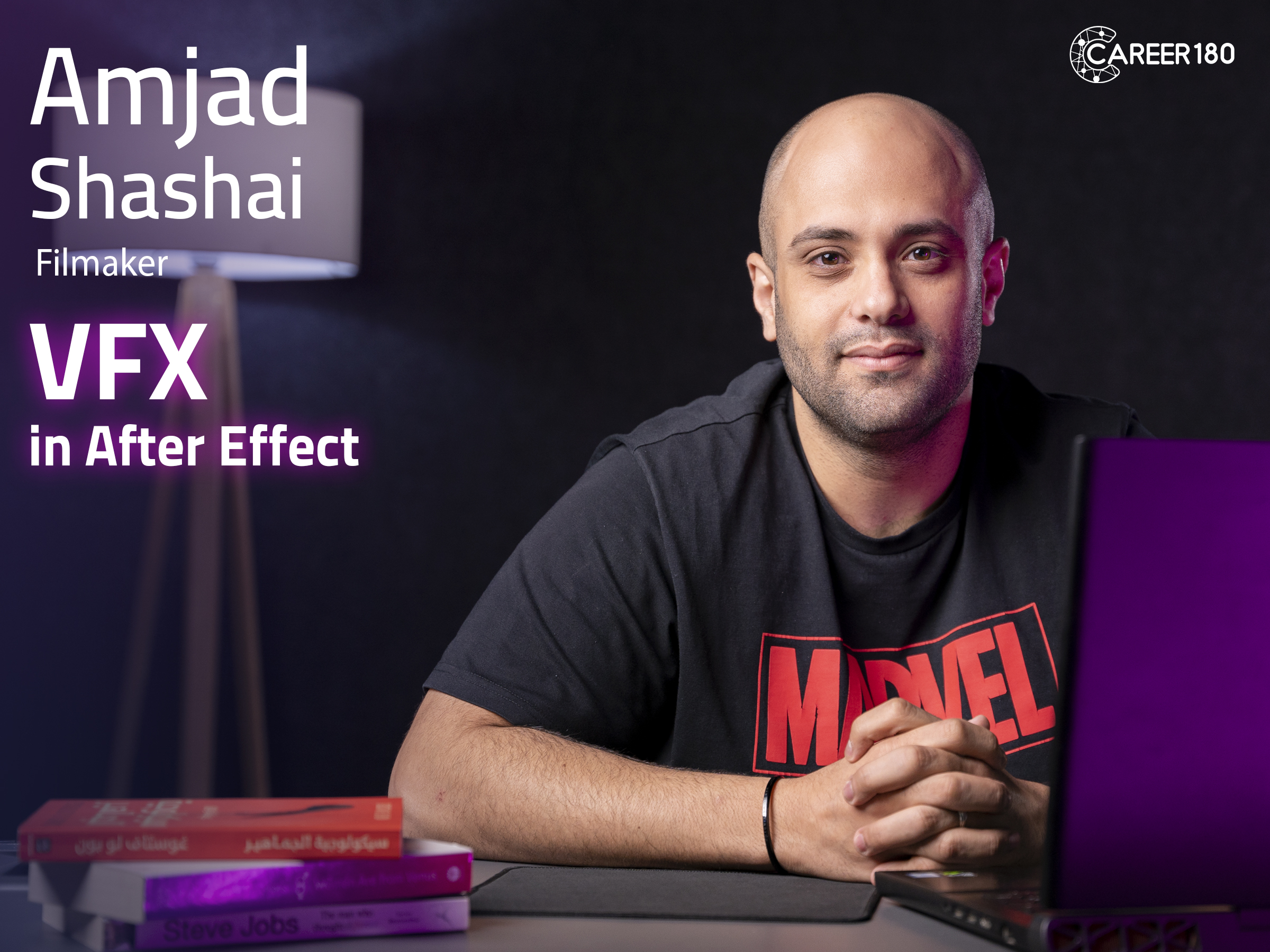
Course 2
In this course you will learn:
- How to make VFX in After Effects?
- How to make keying in green screen?
- How to make tracking for elements?
- How to make use a 3D tracker?
- How to remove elements from the video?
- How to make a composition?
- How to make inpainting?
- How to make a VFX on Runaway?
Introduction
-
Intro
1 minute 28 seconds
Making VFX in After Effects
-
Five Before you Go (Disclaimers)
2 minutes 13 seconds -
Power of After Effects
5 minutes 16 seconds -
Green Screen Intro
5 minutes 53 seconds -
Green Screen Detailed
3 minutes 10 seconds -
Tracking Part 1
9 minutes 18 seconds -
Tracking Part 2
3 minutes 44 seconds -
Corner Pin
3 minutes 37 seconds -
3D Camera Tracker Part 1
2 minutes 59 seconds -
3D Camera Tracker Part 2
3 minutes 14 seconds -
Warp Stabilizer
8 minutes 10 seconds -
Face Tracking
3 minutes 47 seconds -
Rotoscoping Part 1
12 minutes 26 seconds -
Compositing
12 minutes 56 seconds -
Rotoscoping Part 2
3 minutes 45 seconds -
More Composition
19 minutes 47 seconds -
Inpainting Content Aware Fill
8 minutes 28 seconds -
Disclaimer
2 minutes 33 seconds -
Runway
5 minutes 38 seconds
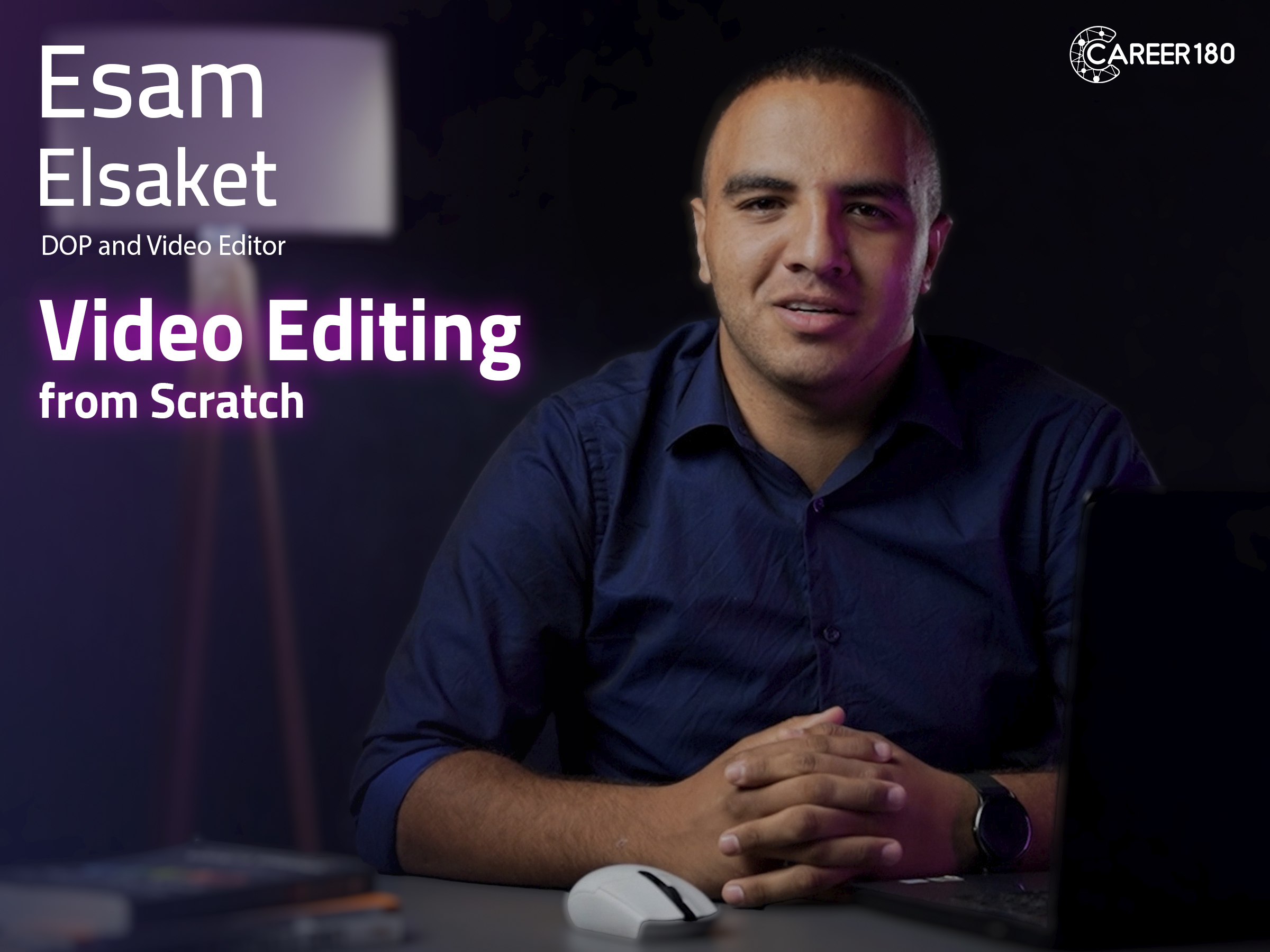
Course 3
In this course you will learn:
-What is a video?
-How to create a new project on Adobe Premiere.
-Different shortcuts on Adobe Premiere and how to create them.
-Learn how to use cut-on action, fade-in, fade-out, L-cut, J-cut, and jump cut.
-How to transform photos.
-How to reduce noise to make a better audio quality using different tools.
-How to apply audio from an external mic to your videos.
-How to use color correction and color grading tools to affect your photos and videos.
-How to apply the text to your videos & photos.
-How to add subtitles to your videos.
-Common mistakes that you could face while using adobe and how to deal with them.
-
Intro
54 seconds -
What is Video?
6 minutes 5 seconds -
New Project
1 minute 15 seconds -
Workspace
1 minute 28 seconds -
Timeline
1 minute 39 seconds -
Montage
3 minutes -
Layers
2 minutes 4 seconds -
Exporting
2 minutes 22 seconds -
Exercise 1
2 minutes 41 seconds -
Shortcuts
7 minutes 26 seconds -
Slow Motion
8 minutes 29 seconds -
Cuts and Transfers
8 minutes 40 seconds -
Cut on Action
1 minute 29 seconds -
Fade-in and Fade-out
2 minutes 16 seconds -
L Cut and J Cut
2 minutes 56 seconds -
Jump Cut
3 minutes 9 seconds -
Transform
2 minutes 48 seconds -
Key Frames
4 minutes 49 seconds -
Audio Gain and Mixing
5 minutes 53 seconds -
Mastering Audio
3 minutes 15 seconds -
Noise Reduction
1 minute 45 seconds -
Synchronize Audio
3 minutes 37 seconds -
Video Effects
6 minutes 55 seconds -
Color Correction
3 minutes 27 seconds -
Color Grading
2 minutes 27 seconds -
Curves
4 minutes 21 seconds -
Masking
3 minutes 23 seconds -
Chroma
6 minutes 31 seconds -
Text
4 minutes 24 seconds -
Essential Graphics
1 minute 25 seconds -
Subtitles
2 minutes 25 seconds -
Common Mistakes
7 minutes 56 seconds

Course 4
In this course you will learn: - The different careers in the designing industry. - How to use move tool, selection tool and transformation tool in adobe photoshop. - How to add text to your design? - How to manage the layers of your designs through the layer Panel? - How to color your designs? - How to make a gradient in coloring of the design? - How to make masks in your designs? - The principles of designs. - How to make a professional portfolio?
Introduction
-
Intro
34 seconds
Start Designing for Social Media
-
Introduction to Graphic Design World
3 minutes 9 seconds -
New File
3 minutes 22 seconds -
Work Area
7 minutes 48 seconds -
Project 1
6 minutes 16 seconds -
Selection Tool
11 minutes 7 seconds -
Project 2
2 minutes 57 seconds -
Text Tool
7 minutes 34 seconds -
Project 3
3 minutes 35 seconds -
Layer Panel
8 minutes 26 seconds -
Project 4
1 minute 55 seconds -
Adjustments
6 minutes 42 seconds -
Project 5
4 minutes 17 seconds -
Gradient
3 minutes 29 seconds -
Re-touch
5 minutes 34 seconds -
Mask
7 minutes 36 seconds -
Project 6
7 minutes 53 seconds -
Pen Tool
9 minutes 25 seconds -
Saving
2 minutes 44 seconds -
Graphic Design Principles
8 minutes 58 seconds -
Color Theory
4 minutes 43 seconds -
Steps to Make a Good Design
2 minutes 51 seconds -
How to Take a Brief
2 minutes 7 seconds -
My First Portfolio
2 minutes 50 seconds

Course 5
In this course your will learn:
- The meaning of branding.
- The different types of logos.
- The difference between vector and raster.
- The different tools in adobe illustrator that will help you with logo design.
- The steps of designing.
- How to take a brief from the client in the right way?
Introduction
-
Intro
27 seconds
How to create a logo professionally
-
What is Branding
4 minutes 57 seconds -
Different types of logos
4 minutes 9 seconds -
Difference between Raster and Vector
2 minutes 32 seconds -
Illustrator Intro
2 minutes 9 seconds -
Shapes
9 minutes 24 seconds -
Outline
5 minutes 25 seconds -
Exercise 1
6 minutes 1 second -
Transformation Tool
3 minutes 49 seconds -
Pathfinder Part 1
6 minutes 26 seconds -
Pathfinder Part 2
5 minutes 52 seconds -
Text
6 minutes 39 seconds -
Type on a Path
1 minute 56 seconds -
Pen Tool
7 minutes 1 second -
Exercise 2
5 minutes 1 second -
Patterns
4 minutes 10 seconds -
Saving
4 minutes 12 seconds -
Resources
3 minutes 50 seconds -
Four Steps to Design
3 minutes 15 seconds -
Briefing
4 minutes 9 seconds
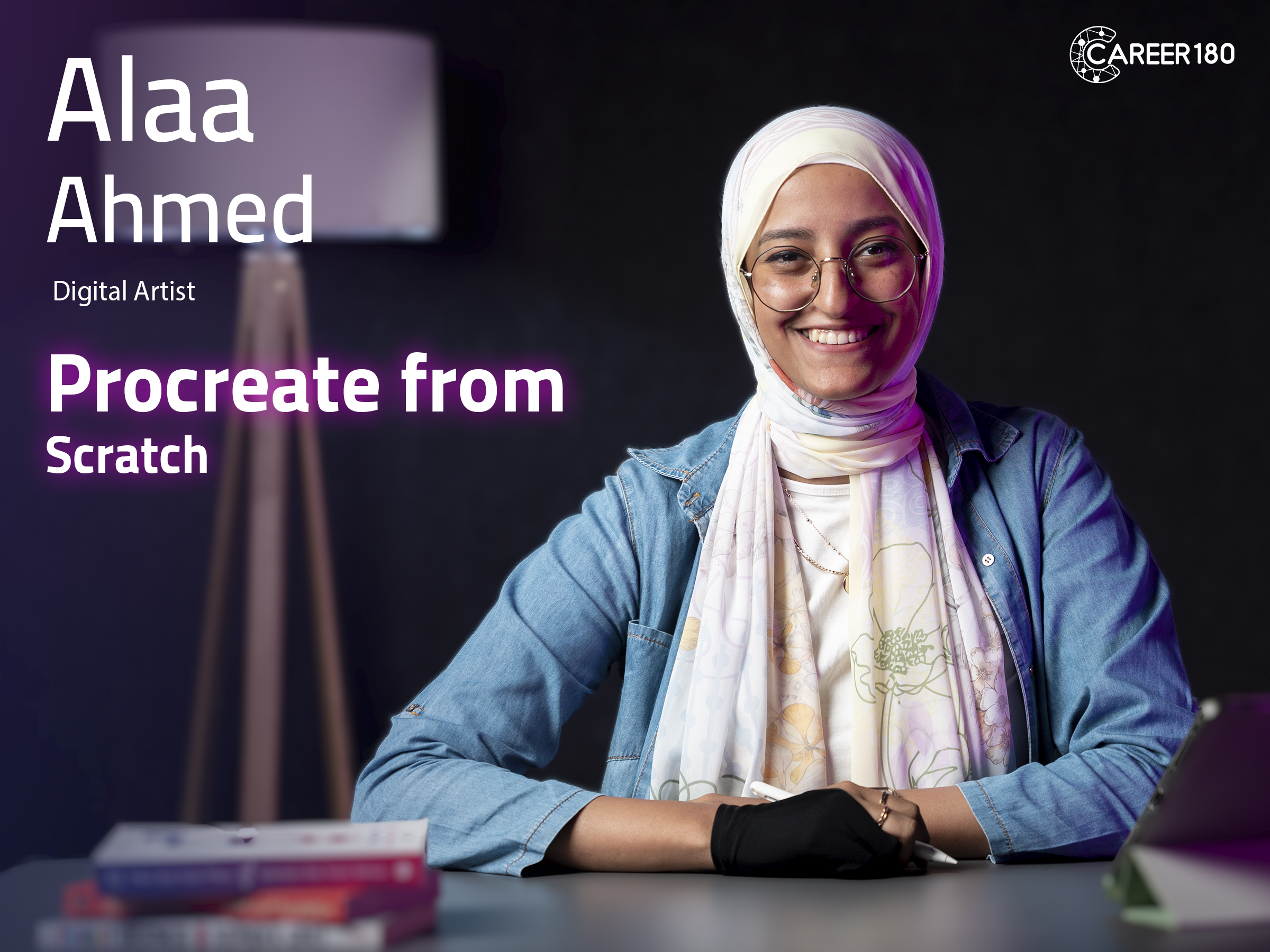
Course 6
In this course you will learn:
- The basic fundamentals of procreate.
- How to create gestures in procreate?
- How to apply the different features to make a simple artwork?
- How to apply the different features to make a more complex artwork?
- The different animation tools in procreate and how to make animation on it.
-
Intro
45 seconds -
Fundamentals
5 minutes 35 seconds -
Gestures
2 minutes 58 seconds -
Simple Artwork
13 minutes 19 seconds -
More Complex Artwork Part 1
9 minutes 46 seconds -
More Complex Artwork Part 2
11 minutes 16 seconds -
More Complex Artwork Part 3
10 minutes 7 seconds -
More Complex Artwork Part 4
13 minutes 4 seconds -
Animation Tools
12 minutes 29 seconds -
Conclusion
38 seconds
Course 7
In this course you will learn:
-
Intro
59 seconds -
Photography Concept
5 minutes 39 seconds -
Difference between Professionalism and Amateurism
6 minutes 11 seconds -
ISO
5 minutes 22 seconds -
Shutter Speed
11 minutes 54 seconds -
F-Number
14 minutes 14 seconds -
Combination of Exposure Triangle
11 minutes 41 seconds -
All you Need to Know about Lighting
9 minutes 2 seconds -
Composition
4 minutes 15 seconds -
Equipment
7 minutes 12 seconds -
How to choose Your Cam
8 minutes 38 seconds -
Post Production
15 minutes 26 seconds
Course 8
In this course, you will learn:
-The difference between the camera and the mobile.
-Different features of the mobile cam and their function.
-What is a focal lens and how to use it
-How the light affects your photos and how to set it.
-Mobile cam features and how to search for features that suit your usage.
-When can your mobile flash be usable?
-How to set your photos' aspect ratio based on what you are photographing.
-How storytelling is an important technique in creating your photos.
-How to choose a suitable mobile lens for what you photograph.
-What is a panorama, and how is it useful?
-Tips for catching a good selfie.
-How to edit your photos.
-What tools do you need to have if you are creating videos?
-
Intro
1 minute 18 seconds -
What is the difference between a Camera and a Mobile
3 minutes 39 seconds -
Understanding Exposure
6 minutes 23 seconds -
Focal lens
8 minutes 19 seconds -
Depth of Field
3 minutes 33 seconds -
HDR
3 minutes 41 seconds -
Flash
4 minutes 23 seconds -
Resolution
4 minutes 14 seconds -
Composition
4 minutes 37 seconds -
Lighting
6 minutes 17 seconds -
Storytelling
2 minutes 33 seconds -
How to Choose the Mobile Lens
4 minutes 16 seconds -
Panorama
3 minutes 20 seconds -
Aspect Ratio
5 minutes 5 seconds -
Selfie
4 minutes 59 seconds -
Extra modes
3 minutes 25 seconds -
Common Mistakes in Phone Photography
2 minutes 40 seconds -
Photo Editing
7 minutes 21 seconds -
Videography
12 minutes 39 seconds
Course 9
Freelancing is not for everyone! Some of us can have a hard time with it!
That's why before Joining Lobna Khaled and Freelance Yard for an 11-hour full guide about how to be a freelancer, you will need to make sure that the freelancing lifestyle is suitable for you! (maybe it's not.)
This intro will help you figure out the following:
- Discover Freelancing: Uncover the potential and advantages of freelancing.
- Freelancing expectations vs reality.
- Stand up against fierce competition.
- Navigate Your Career: The 4 career paths for Any Freelancer.
- Create an Actionable Plan: Build a roadmap for success, including portfolio development, and more.
Watch the intro to make a final decision about pursuing freelancing as a career.
-
Intro
1 minute 58 seconds -
Where Do you See yourself After 5 Years?
6 minutes 21 seconds -
Different between Freelancing, Remote Work and other Scenarios
9 minutes 33 seconds -
What it Takes to be a Freelancer?
6 minutes 14 seconds -
What it Takes to be a PERFECT Freelancer
8 minutes 58 seconds -
Freelancers Career Path
6 minutes 54 seconds -
What's True and What's not True about Freelancing
10 minutes 23 seconds -
Deal Breakers
7 minutes 9 seconds -
Action Plan
3 minutes 30 seconds
Course 10
In this course you will learn:
- Know the difference between Content & Copy Writer.
- How to create perfect brief.
- Some rules for the writing process.
- How to choose the suitable brand voice for different campaigns.
- Keys success metrics of a campaign.
-
Intro
30 seconds -
Understanding Marketing & Consumer Behavior
2 minutes 1 second -
Content Writer vs. Copywriter
11 minutes 55 seconds -
What is Creative Brief
12 minutes 23 seconds -
Buyer Persona
5 minutes 1 second -
Writing Process
10 minutes 1 second -
Brand Voice
3 minutes 45 seconds -
Key Success Metrics
3 minutes 26 seconds -
Conclusion
24 seconds

Course 11
In this course you will learn:
- The copywriter's role and responsibilities.
- How to create a creative brief?
- The creative process.
- How to write and present your ideas?
Introduction
-
Intro
47 seconds
How to become a copywriter
-
Who is the Copywriter?
1 minute 41 seconds -
Creative Brief
12 minutes 23 seconds -
Creative Process (Bayer Persona)
5 minutes 10 seconds -
Creative Process (Treatment)
6 minutes 9 seconds -
Rational
5 minutes 42 seconds -
Tips about Content
7 minutes 29 seconds -
Creative Process (Features)
6 minutes 1 second
Subscriptions
Start watching our recorded courses in different fields with our great experts
1 Month Subscription
Benefits
- Full access to all courses
- Full access to material of courses
- Engage with course instructors
- Get certificate of completion
1 Year
Benefits
- Full access to all courses
- Full access to material of courses
- Engage with course instructors
- Get certificate of completion
3 Months
Benefits
- All one month subscription perks
- Access for three months
- Access for 3 users